
well, this was a first for me. i know many seasoned bloggers have been asked to review a product, but this is my first time. i asked questions like “how much will it cost” and “by when do you need it returned?” and “are there other fees?” to my delight, it cost us nothing and it is ours to keep. thank you, learning resources!

we received the luna interactive projection camera from learning resources to use and review.

we already use my computer, an external speaker and an external monitor. i could quickly determine that this luna camera offers something different than my computer’s camera.

before i started using it at preschool, i read about it online. another reviewer mentioned one problem is the camera being top heavy. we experienced that too, and wanting the children to be able to move the camera, we took care of it with a bit of duct tape.

things the children would like you to know that we like about the luna camera:
things that are small look bigger on the screen.
you are allowed to push the camera button anytime you want and the picture goes on ms. kristin’s computer.
you can make scenes and then take a picture so you don’t forget them.
you can push the light button to turn the light on and off.
if you are gentle, you can move the camera.
the camera is connected to something called a “neck” and that is funny.
it doesn’t matter how many pictures you take. *true: the first day we had the luna camera, there were over 280 pictures taken…i found them all on my desktop!
the teacher can draw a picture and everyone can see it better.
it feels like a movie when you read the book under the camera.
it is a real camera, so you have to be careful.
if the lights are off in the room, everything goes in slow motion. *true: when our classroom lights are off, there isn’t enough light to see things move in “real time.” making sure the lights in the room are on takes care of it!
you can make things go upside down and side ways. *true: there is an option to rotate the image on the screen.

already, the luna camera has changed our group times. the variety and flexibility it provides has enhanced looking and listening times. a bigger monitor would make this product more beneficial because the image from the camera would be bigger (that has been added to my wish list!).
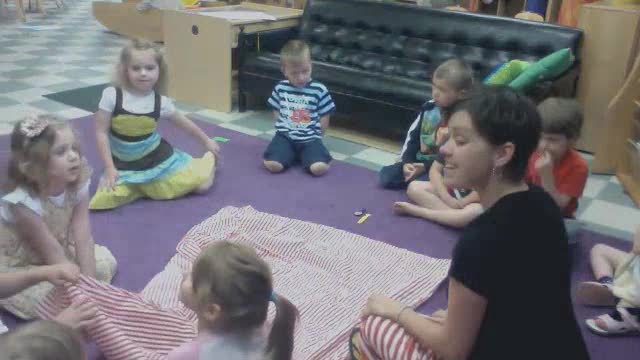
here we are taking turns showing our favorite pages of a book:

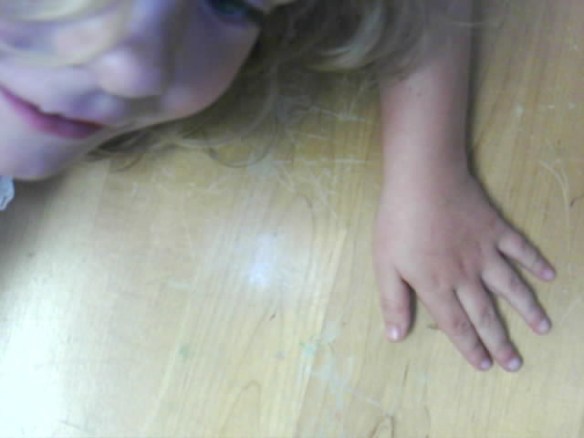
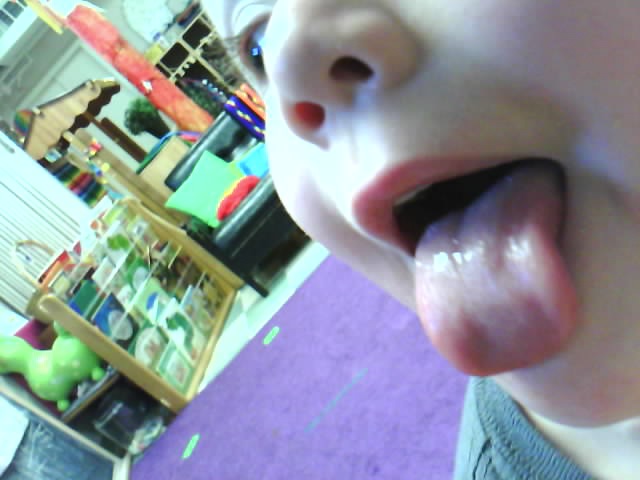
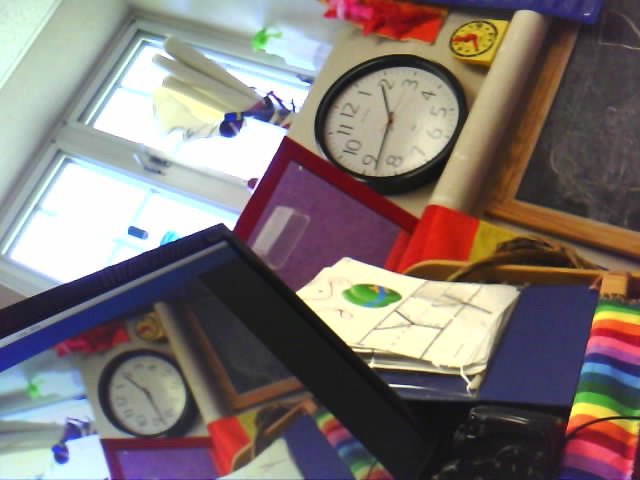
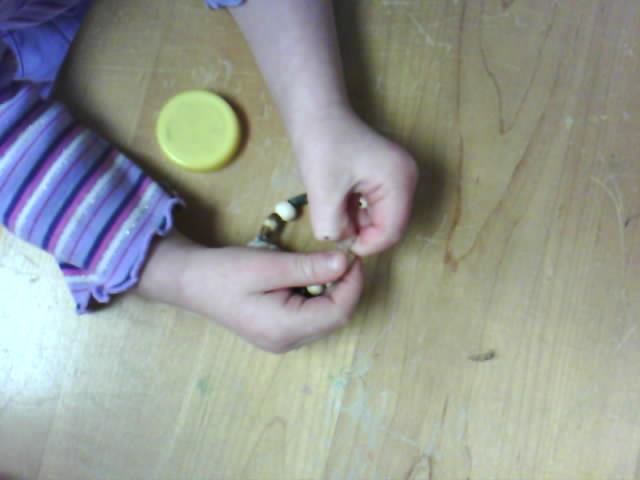
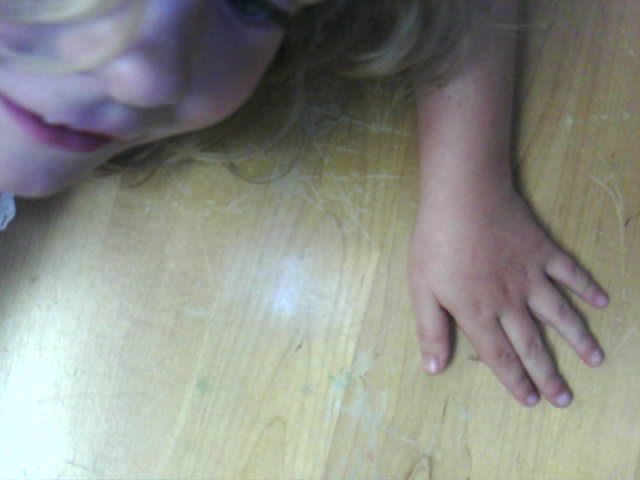
it has also changed work time (this is what we call “free time” or “play time” or “center time”). i have it set up all day, every day as another option for children to explore with. and explore they do. the following photos are taken by someone pressing the “camera” button.
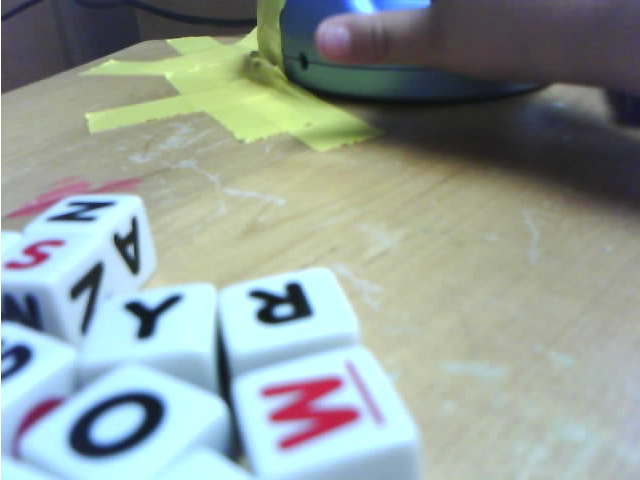

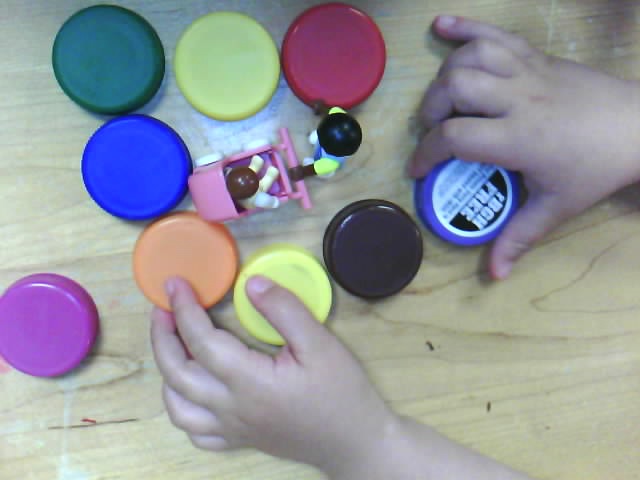
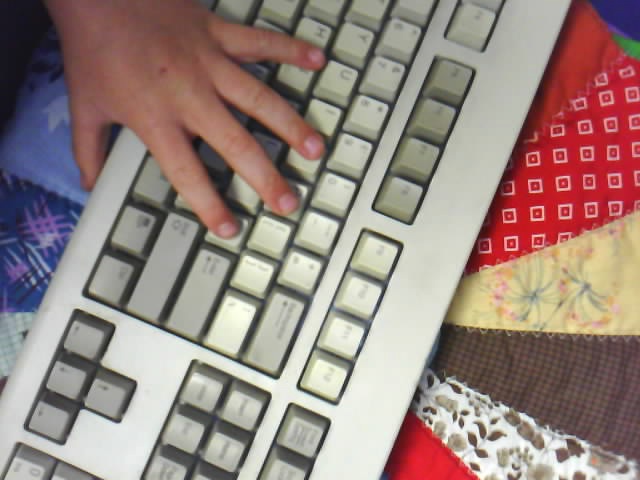

(as i mentioned earlier, there are HUNDREDS of photos taken daily…most will head to the trash, but they love seeing their image frozen on my computer screen)
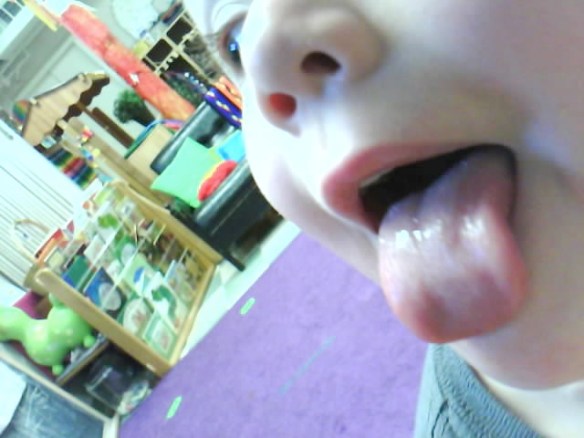
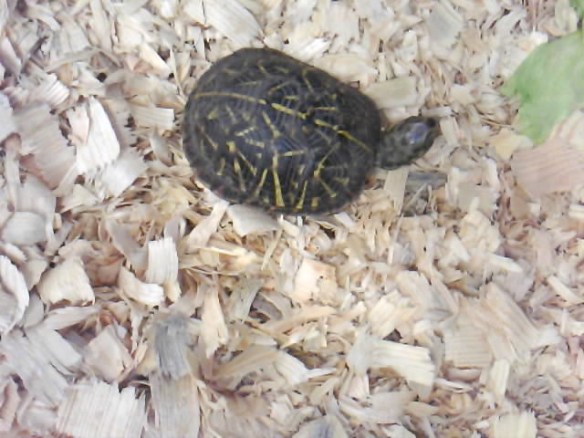
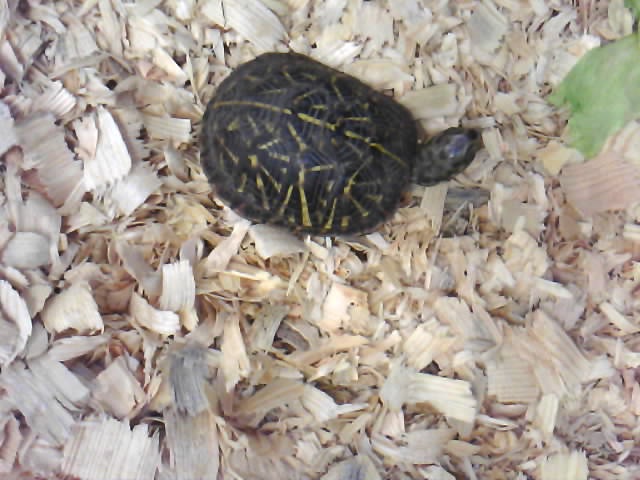
a favorite moment for one class: we put the camera over a timid turtle’s box went across the room to eat snack. we would look over to the screen every now and then. sure enough, since we were across the room look who peeked her head out:
we are grateful for this product and highly recommend it.
you can find learning resources all over this virtual world:
click here to find them on facebook
click here to find them on twitter
click here to find them on youtube
click here to find them on pinterest
and thanks to learning resources, i have one to give away.
leave a comment and one random winner will be chosen. go team!

:: :: :: ::
there is another product we’re reviewing soon, so stay tuned!






 newcreationpreschool.com